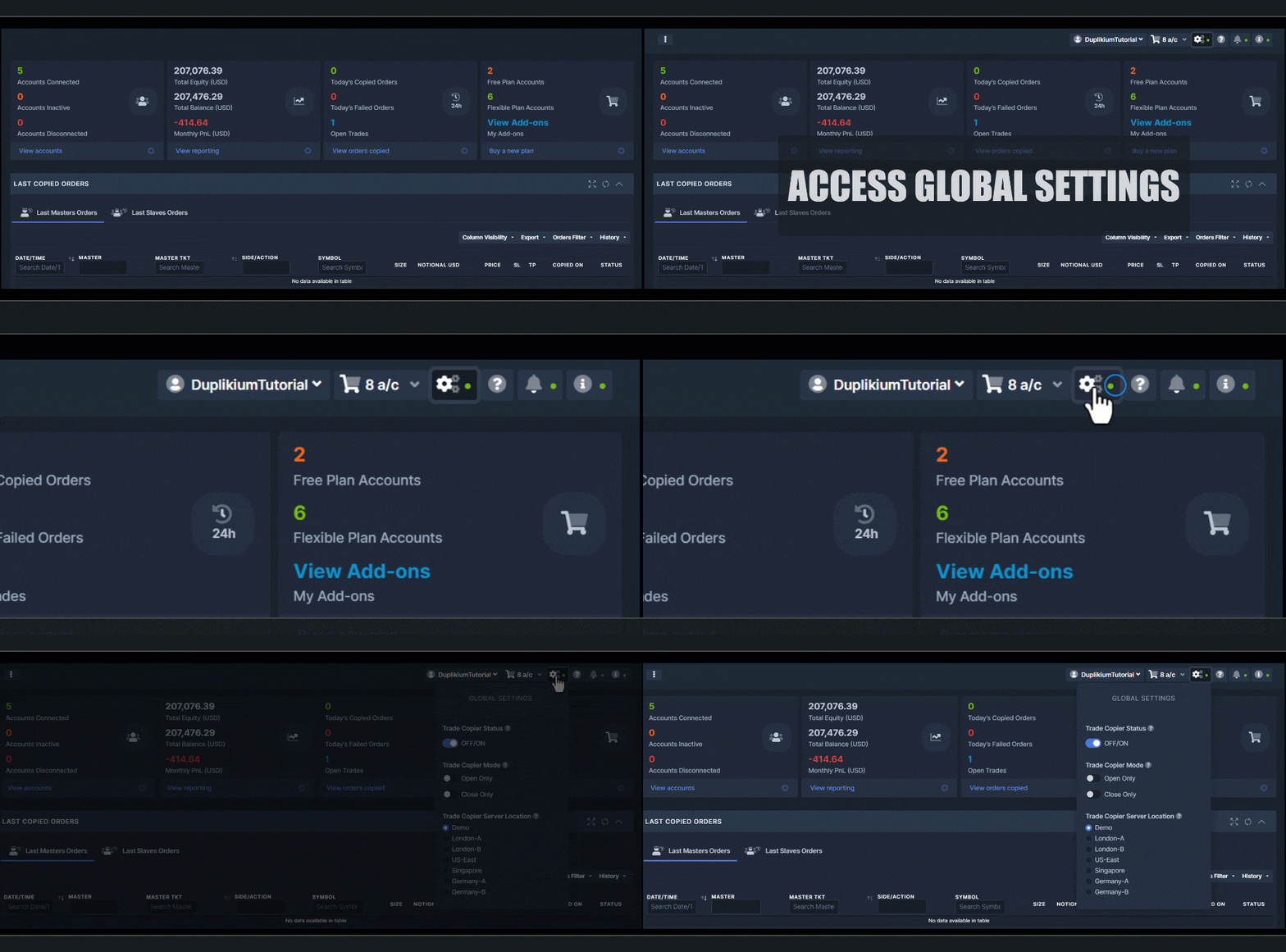
In the Global Settings, the Trade Copier Mode allows you to control the action of the trade copier system. If you select 'Open Only', this prevents the copier from closing any orders, OR 'Close Only', it will block any open orders from getting processed.
To quickly manage the Copier Mode, go to the Top Menu > Click Global Settings (the gear icon). Select preference Open Only/Close Only - See screenshot:

Learn more about Trade Copier Mode.
Here's a short video for Global Settings: